TGSaudioToggle

A free Windows utility that switches your audio output with one keypress.

Works with Razer Synapse, Logitech G Hub, AutoHotkey,
Stream Deck - anything that can launch a program.
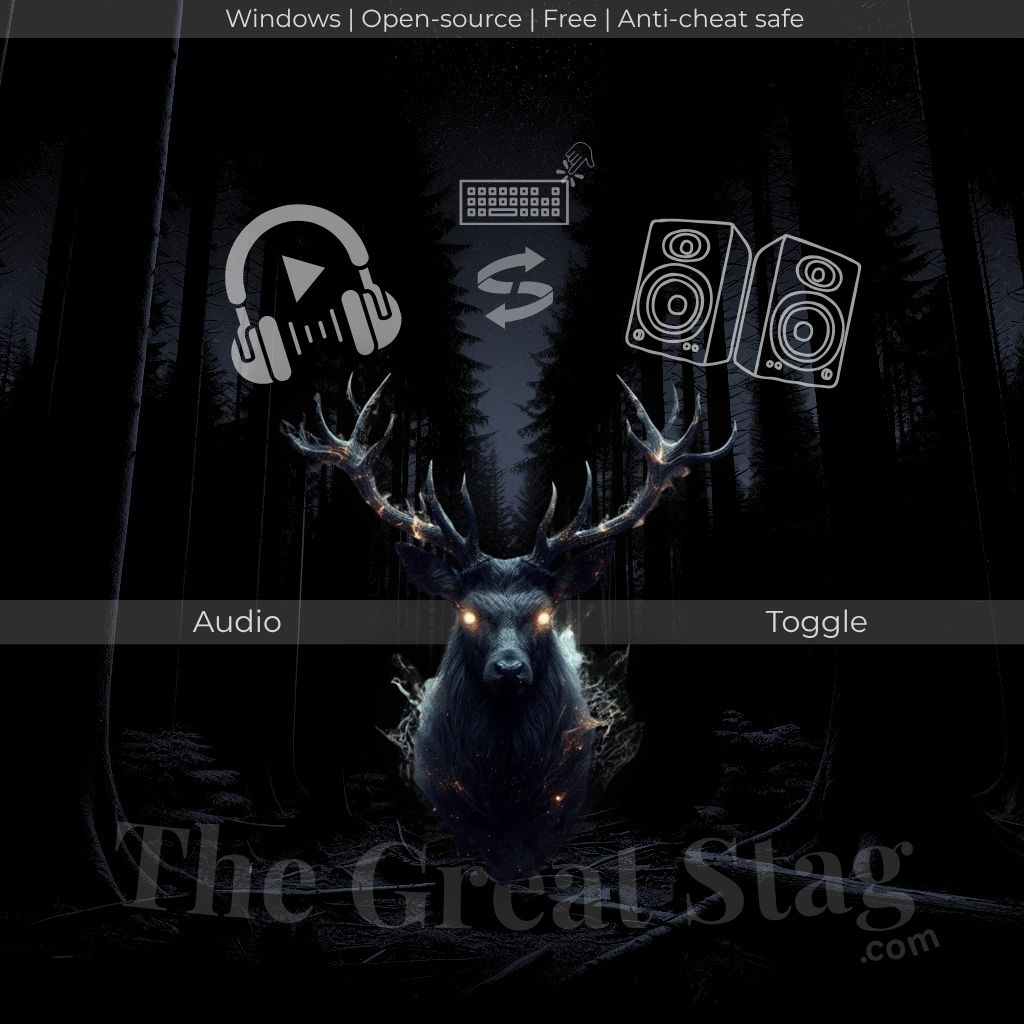
Headphones
Hotkey (Macro)
click to switch
Speakers
Download Free ↓
View on GitHub ↗
TGSaudioToggle logo. An open-source tool that toggles audio outputs with a single keypress.

Windows has no native hotkey for switching audio outputs.

If you have a headset and speakers - or monitors and headphones - you're digging into Sound Settings every single time.

Three clicks, every time, all day.

TGSaudioToggle fixes that.

One keypress cycles through your devices silently.

No window flash.
No background process.
No tray icon.
Anticheat safe (Vanguard, EAC, VAC).
No admin rights required.

Free Tool
Windows
Open Source
Python
Audio
v2.0.0
How to use
1

Download setup.exe .

Run setup.exe - no dependencies, no admin rights required.

2

Pick your audio devices

The setup UI auto-detects all active playback devices on your system. Check 2 or more devices you want to cycle through. Pick your install folder. Click Install.

3

Point your macro key at TGSaudioToggle.exe

In your hotkey tool of choice - Razer Synapse, Logitech G Hub, AutoHotkey, Stream Deck - set a key or button to launch TGSaudioToggle.exe from your install folder.

4

Press the key. Done.

Every press silently cycles to the next device in your list. No window. No sound. No friction. If a device is unplugged, it is automatically skipped.

Config is stored at %APPDATA%\TGSaudioToggle\config.json - fully editable by hand if you ever want to reorder devices or update IDs without running setup again.
Installation & Uninstallation

Installing

  • Download setup.exe from the GitHub releases page
  • Run it - no admin rights, no UAC prompt
  • Select the devices you want to cycle through
  • Choose an install folder (anywhere works)
  • Click Install - setup extracts TGSaudioToggle.exe and saves your config
  • Point your macro key at TGSaudioToggle.exe in the install folder
  • TGSaudioToggle appears in Windows Add/Remove Programs

Uninstalling

  • Go to Windows Settings, then Apps, then TGSaudioToggle
  • Click Uninstall
  • The uninstaller removes the install folder and TGSaudioToggle.exe
  • Deletes %APPDATA%\TGSaudioToggle\ and your config file
  • Removes the Windows registry entry
  • Nothing is left behind
FAQ

Does it work with my macro key software?

Yes. TGSaudioToggle.exe is a standard Windows executable. Any tool with a Launch Program or Run Application action works - Razer Synapse, Logitech G Hub, AutoHotkey, Stream Deck, PowerToys Run, or a plain Windows shortcut.

Will it get me banned in-game?

No. TGSaudioToggle makes standard Windows audio API calls only. It does not interact with game memory, inject into any process, or touch any layer monitored by anti-cheat software. Safe with Vanguard, EAC, and VAC.

Can I cycle through more than 2 devices?

Yes. During setup, check as many devices as you want. Every keypress advances to the next one in the list. When it reaches the last, it loops back to the first.

What if one of my devices gets unplugged?

It gets skipped automatically. At runtime, TGSaudioToggle checks which devices in your config are currently available and only cycles through those. Plug the device back in and it is available again on the next press.

Where is the config file?

At %APPDATA%\TGSaudioToggle\config.json. Plain JSON. You can edit it by hand - reorder devices, add or remove IDs. Changes take effect on the next keypress, no restart needed.

Do I need admin rights?

No. Neither setup.exe nor TGSaudioToggle.exe require elevated permissions. No UAC prompt, ever.

Does it run in the background?

No. TGSaudioToggle.exe launches, switches the audio output, and exits immediately. Zero background process. Zero tray icon. Zero memory footprint between keypresses.

Can I change my device list without reinstalling?

Two ways. Run setup.exe again - it lets you reselect your devices and overwrites the config. Or edit %APPDATA%\TGSaudioToggle\config.json directly if you are comfortable with JSON.

Does it work with Bluetooth audio devices?

Yes, as long as the Bluetooth device is paired, connected, and showing as an active playback device in Windows. Setup will detect it automatically. Note that Bluetooth devices can take a moment longer to switch than wired ones - that is a Windows audio stack delay, not TGSaudioToggle.

Is this really free?

Yes. No trial. No premium version. No account. TGSaudioToggle is a free, open source tool built under The Great Stag. Source code is on GitHub.